

Data warehouse integrations are available as a premium add-on for the Web Experimentation and Feature Experimentation module. For more information, contact your Customer Success Manager.
- Allows precise data collection, enhancing audience targeting for personalized campaigns tailored to specific audience needs and preferences.
- Set up Data Ingestion Tasks and extract data from BigQuery.
Activate BigQuery as a destination
Once you have enabled the BigQuery integration for your project, you can activate Use BigQuery as a destination to send the results of your Kameleoon campaigns to BigQuery.
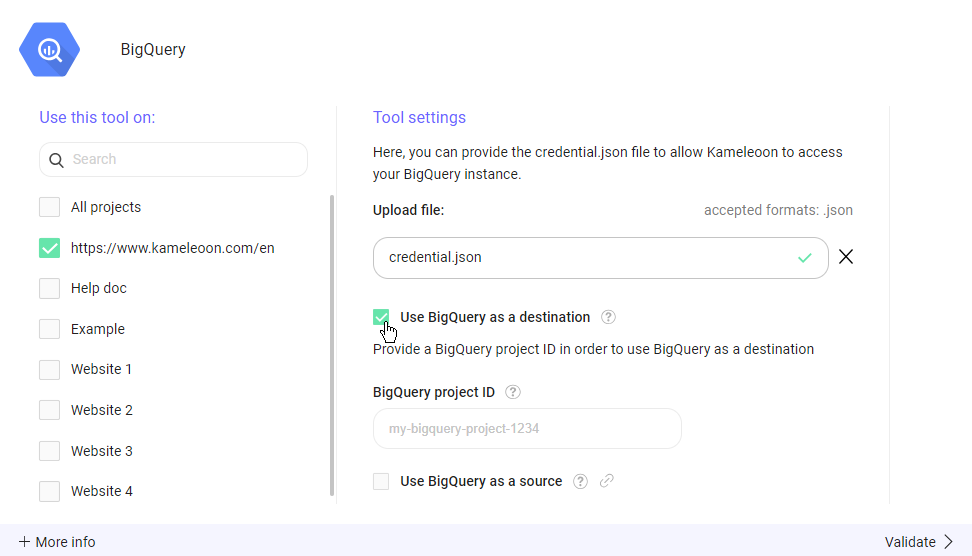
- Within the selected project’s configuration, you’ll find a checkbox labeled Use BigQuery as a destination. Check this checkbox to enable the feature.
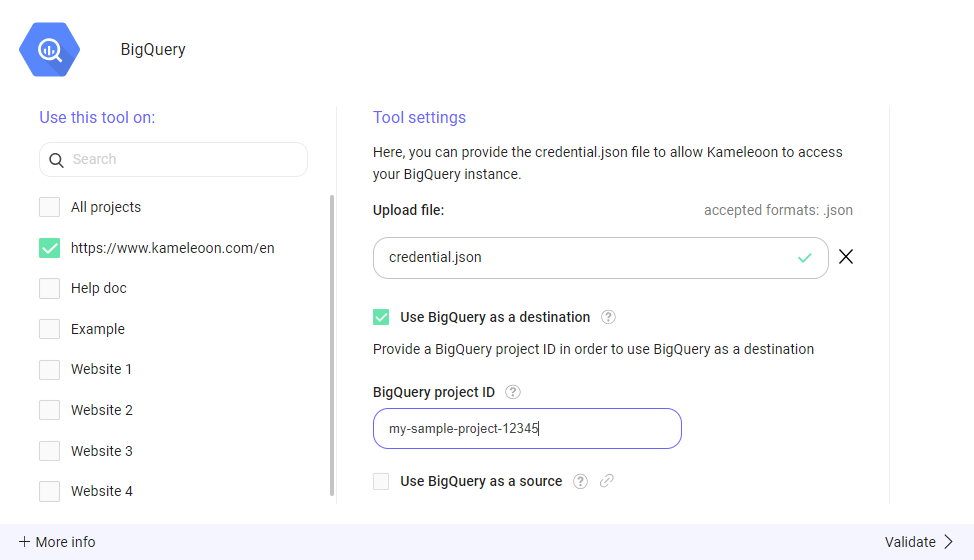
- You’ll need to provide the BigQuery project ID associated with your Google BigQuery project. Enter the project ID in the BigQuery project ID.
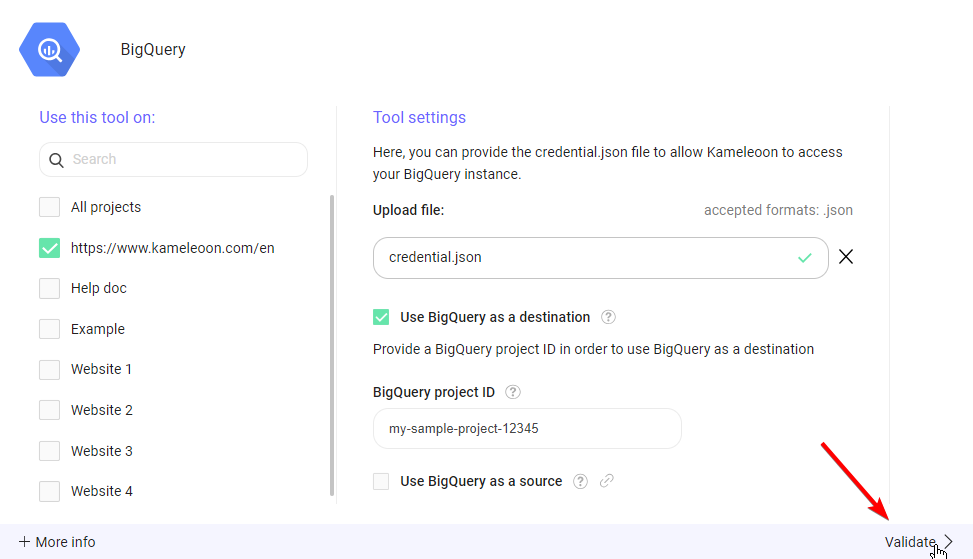
- Click Validate to save your changes.
What “Use BigQuery as a destination” does
Enabling Use BigQuery as a destination sends all Kameleoon experiment exposure events into Google BigQuery. Kameleoon saves the events in the “kameleoon” dataset you previously created, with write access for the Kameleoon service account, in a table calledkameleoon_experiment_event. The SQL schema of this table is the following:
custom_visitor_id from the Cross Device Reconciliation custom data, if you set it.