

Creating feature variables
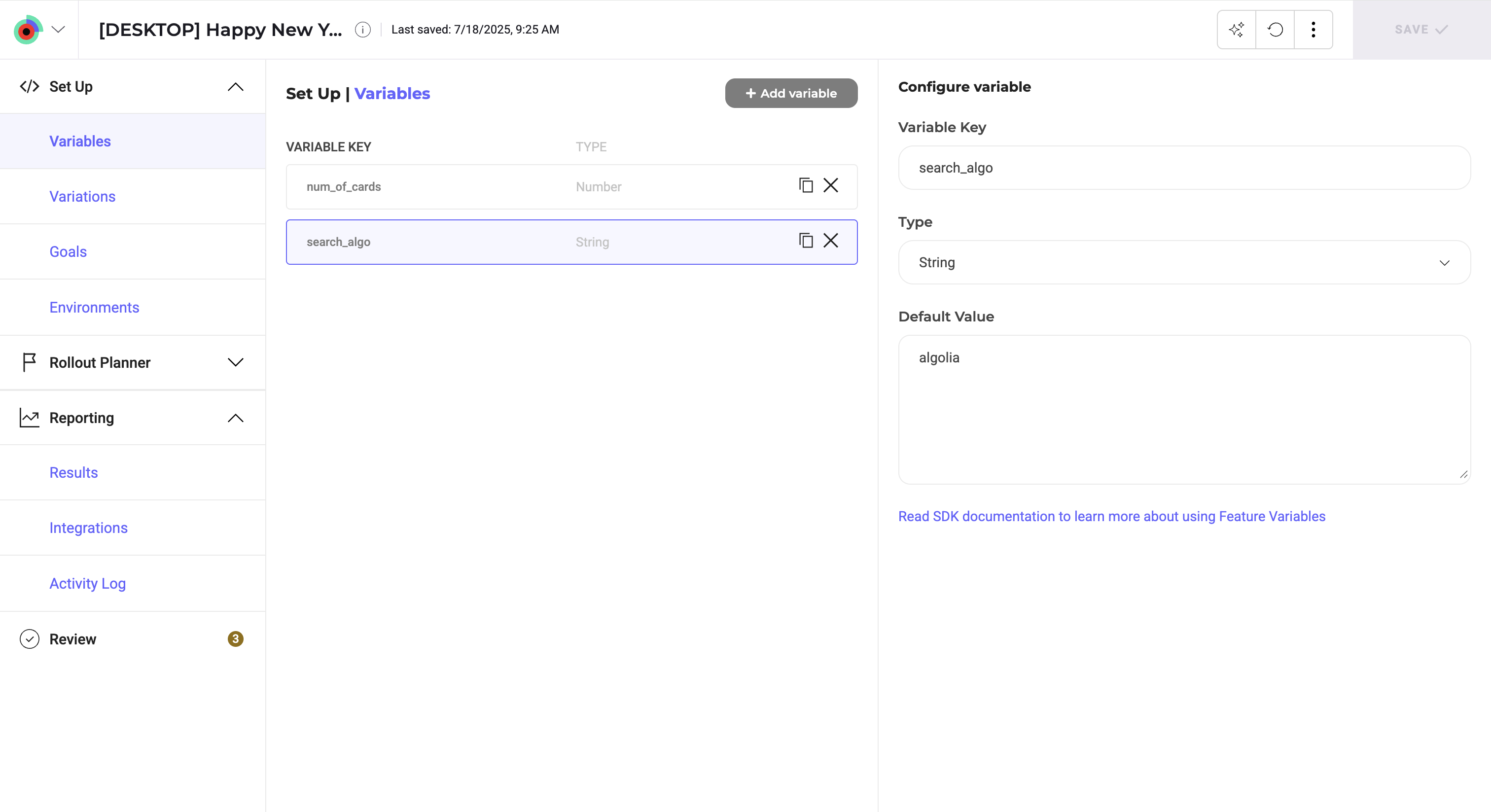
- Navigate to your feature flag or create a new one.
- In the left sidebar, click Set Up > Variables > Add Variable.
- Select your variable’s Type.
- If you select Enum, enter a list of allowed values separated by commas. This type creates a predefined list of options that you can select from when you define feature variations, rather than typing values manually.
- Enter a Variable Key.
- Set the Default Value.
- For Enum variables, select the default value from the list you defined in step 3.
- Click Save.
To retrieve a feature variable from your source code, you must call the
getVariation() method. If you use feature variations, Kameleoon automatically buckets the user in a variation and returns the value that variation defines for the variable, so you don’t need to call the getVariation() method in that case.